
Ona Intelligence Layer
Backend infrastructure that absorbs unreliable energy data and exposes stable intelligence your systems can depend on.
Overview
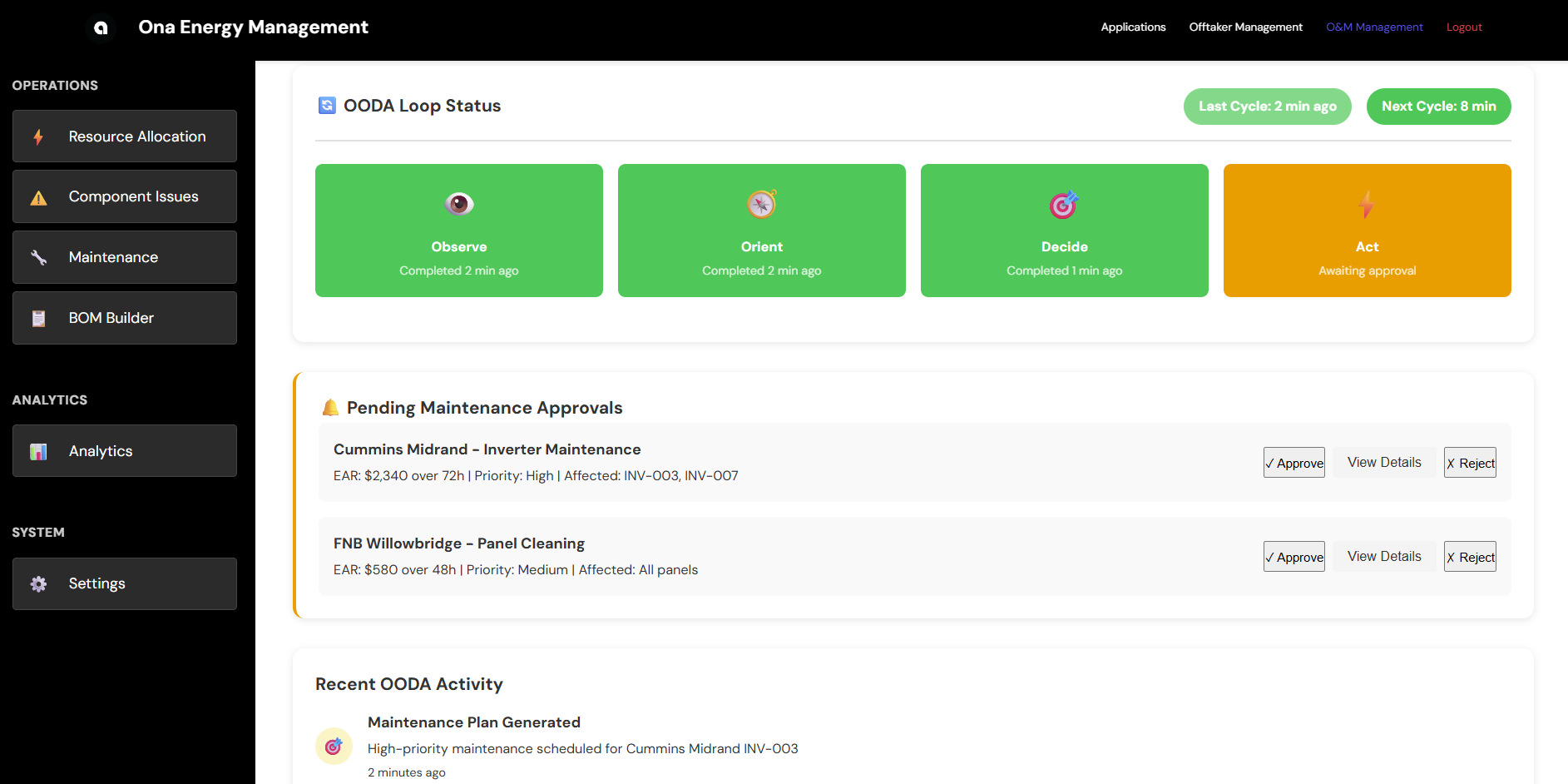
Ona is an intelligence layer for energy systems. It connects to your inverters and energy assets via standard APIs, serving as complete middleware for the data pipelines necessary to run ML/AI models. These models can be called via API or SDK, embedded directly within your existing business logic.
This is a platform that supports your technical roadmap, rather than forcing you to adjust your business logic to fit the platform’s idiosyncrasies. Integrate once, consume intelligence through the interfaces you already use.
What It Does
Absorbs Unreliable Data
Energy data is messy. Different OEMs, inconsistent formats, gaps, outliers. Ona normalizes all of it into a consistent, analysis-ready format.
- Multi-OEM Support: Huawei, SolarEdge, SMA, Enphase, SCADA systems
- Automatic Cleaning: Handles missing values, outliers, timezone issues
- Schema Normalization: Consistent data structure regardless of source
- Quality Scoring: Flags data issues before they affect models
Exposes Stable Intelligence
Your systems integrate once and consume intelligence, not models. The API contract remains stable even as underlying models improve.
- Forecasting API: Device-level and site-level production forecasts
- Anomaly Detection: Automatic identification of performance issues
- Model Versioning: Safe iteration without breaking integrations
- Reproducible Outputs: Same inputs produce same outputs over time
Manages Models Over Time
Models degrade. Data distributions shift. Ona handles the MLOps so you don’t have to.
- Automatic Retraining: Models update as new data arrives
- Performance Monitoring: Track model accuracy over time
- A/B Testing: Compare model versions before deployment
- Rollback Support: Revert to previous versions if needed
Integration
Install the SDK from GitHub and set your API key (contact support@asoba.co to get one).
# JavaScript
git clone https://github.com/AsobaCloud/sdk.git && cd sdk/javascript && npm install

# Python
git clone https://github.com/AsobaCloud/sdk.git && cd sdk/python && pip3 install -e .
Inverter Telemetry API
Query and stream live power output, energy, and state data from solar inverters.
Python:
from ona_platform import OnaClient
from ona_platform.models.telemetry import TimeRange
import os

client = OnaClient(
    inverter_telemetry_endpoint=os.environ["INVERTER_TELEMETRY_ENDPOINT"],
    inverter_telemetry_api_key=os.environ["INVERTER_TELEMETRY_API_KEY"],
)

# Query historical data
records = client.inverter_telemetry.get_inverter_telemetry(
    asset_id="INV-1000000054495190",
    site_id="Sibaya",
    time_range=TimeRange(start="2025-11-01T00:00:00", end="2025-11-01T12:00:00"),
    resolution="5min",
    limit=100,
)

# Stream live data
for record in client.inverter_telemetry.stream_inverter(
    asset_id="INV-1000000054495190",
    site_id="Sibaya",
    polling_interval=30,
):
    print(f"{record.timestamp}: {record.power} kW")
JavaScript:
const { OnaSDK } = require('./src/index');

const sdk = new OnaSDK({
  endpoints: { inverterTelemetry: process.env.INVERTER_TELEMETRY_ENDPOINT },
  inverterTelemetryApiKey: process.env.INVERTER_TELEMETRY_API_KEY,
});

// Query historical data
const records = await sdk.inverterTelemetry.getInverterTelemetry({
  asset_id: "INV-1000000054495190",
  site_id: "Sibaya",
  time_range: { start: "2025-11-01T00:00:00", end: "2025-11-01T12:00:00" },
  limit: 100,
});

// Stream live data
for await (const record of sdk.inverterTelemetry.streamInverter({
  asset_id: "INV-1000000054495190",
  site_id: "Sibaya",
  polling_interval: 30,
})) {
  console.log(`${record.timestamp}: ${record.power} kW`);
}
OODA Terminal Alerts API
Query and stream fault detection and diagnostic alerts from terminal devices.
Python:
from ona_platform.models.ooda import TimeRange

client = OnaClient(
    ooda_terminal_endpoint=os.environ["OODA_TERMINAL_ENDPOINT"],
    ooda_terminal_api_key=os.environ["OODA_TERMINAL_API_KEY"],
)

# Query historical alerts
alerts = client.ooda_terminal.get_terminal_alerts(
    terminal_device_id="TERM-1000000054495190",
    site_id="Sibaya",
    time_range=TimeRange(start="2025-11-01T00:00:00", end="2025-11-01T12:00:00"),
)

# Stream live alerts
for alert in client.ooda_terminal.stream_terminal(
    terminal_device_id="TERM-1000000054495190",
    site_id="Sibaya",
    polling_interval=30,
):
    print(f"{alert.timestamp}: [{alert.alert_severity}] {alert.message}")
JavaScript:
const sdk = new OnaSDK({
  endpoints: { oodaTerminal: process.env.OODA_TERMINAL_ENDPOINT },
  oodaTerminalApiKey: process.env.OODA_TERMINAL_API_KEY,
});

// Stream live alerts
for await (const alert of sdk.oodaTerminal.streamTerminal({
  terminal_device_id: "TERM-1000000054495190",
  site_id: "Sibaya",
  polling_interval: 30,
})) {
  console.log(`${alert.timestamp}: [${alert.alert_severity}] ${alert.message}`);
}
Live Endpoints
| API | Endpoint |
|---|---|
| Inverter Telemetry | https://af5jy5ob3e.execute-api.af-south-1.amazonaws.com/prod |
| OODA Terminal Alerts | https://3lpq00xevg.execute-api.af-south-1.amazonaws.com/prod |
What It Guarantees
- Clear separation between raw data and decisions
- Reproducible outputs over time
- Safe iteration on models without breaking integrations
- Stable API contract even as models improve
What It Replaces
Without an intelligence layer, teams build:
- Per-OEM data cleaning pipelines
- Feature engineering logic
- Model deployment processes
- Glue code between systems
Ona centralizes all of this behind a single integration boundary.
What It Is Not
- Not a dashboard-first product - It’s backend infrastructure
- Not a single forecasting model - It’s a platform for managing many models
- Not a consulting workflow - It’s software you integrate with
Deployment Options
SaaS (Managed Infrastructure)
Cloud-hosted with managed infrastructure.
- API-based data uploads
- Automatic updates and maintenance
- 99.9% uptime SLA
On-Premises (Self-Hosted)
Local installation for data sovereignty requirements.
- Complete data control
- Offline operation capability
- Optional hardware bundle (mini compute cluster + data logger)
Getting Started
Week 1-2: Integration
Connect SCADA/inverters, ingest historical data, establish performance baselines.
Week 3-12: Optimization
Real-time monitoring goes live. Weekly performance reports as models continuously improve.
Week 13: Decision
Executive ROI analysis. Automatic conversion upon meeting metrics, followed by scale-up.
Support & Resources
Documentation
Support
- Email: support@asoba.co
- Discord: Join our community
- Documentation: docs.asoba.co
Get Help & Stay Updated
Contact Support
For technical assistance, feature requests, or any other questions, please reach out to our dedicated support team.
Email Support Join Discord